Web Interface
EasyGuard provides a web interface for users to manage their EasyGuard nodes using the EasyGuard REST API.
Frontend Source code - API Source code
Available as the ezgweb package in the EasyGuard Alpine repository. The package installs lighttpd and configures it to use HTTPS with a self-signed certificate. It will also proxy requests to /api/ to the EasyGuard API.
Logging in
After visiting the web interface in your browser, you will be prompted to log in.
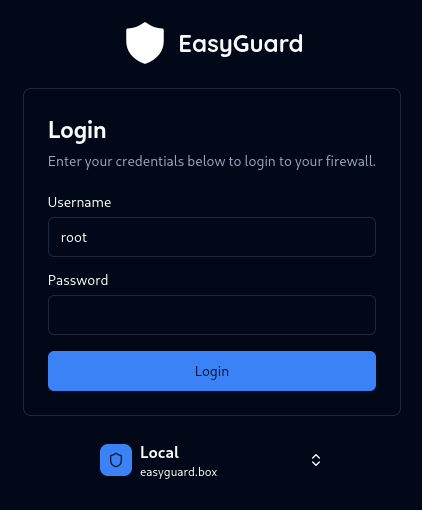
The credentials are the same as the ones you would use to login to the linux shell.
HTTPS
You should always use HTTPS when accessing the web interface. The self-signed certificate will trigger a warning in your browser, but you can safely ignore it.
If you do not use HTTPS, your credentials will be sent base64 encoded in plain text over the network, which is easy to intercept by attackers.
If you do not use HTTPS, your credentials will be sent base64 encoded in plain text over the network, which is easy to intercept by attackers.