Managing the Firewall
This page has 3 tabs to manage different aspects of the firewall.
Zones
This feature is not yet implemented.
This tab shows all firewall zones defined in the firewall configuration and allows you to edit or create new zones.
Rules
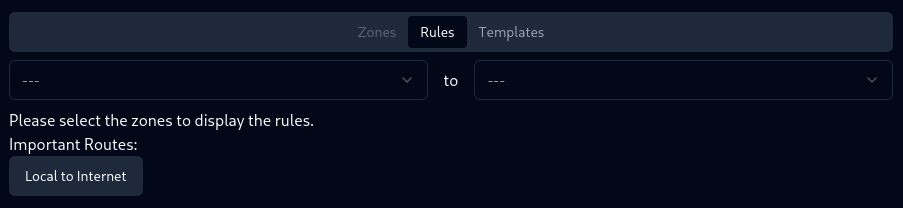
This tab prompts you to select a route to manage its rules. There are 2 select boxes, one for the source zone and the other for the destination zone. There is also a button to quickly choose the “Local to Internet” route.
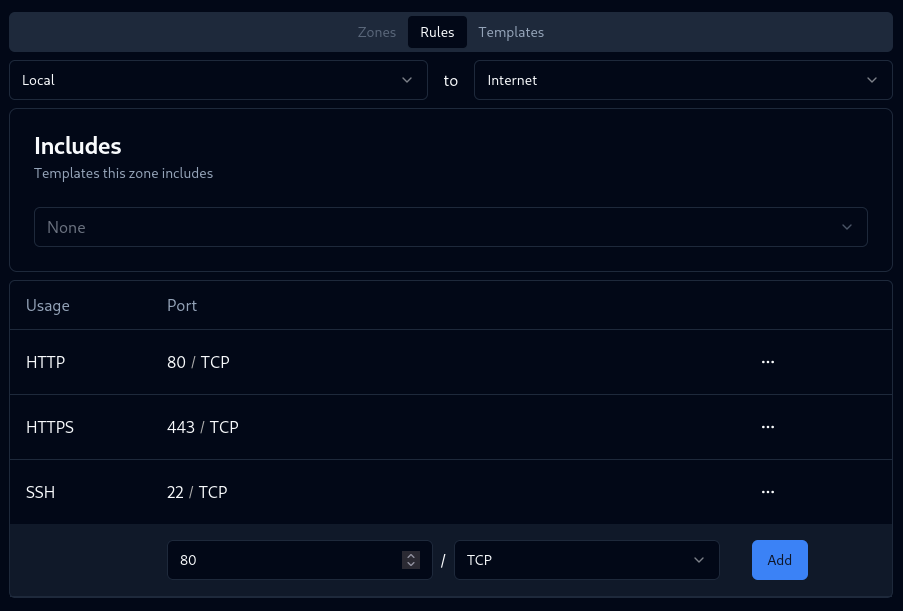
After selecting a valid route, the route can be edited. There is a select menu to edit the includes (templates which are included into the route) of the route. Below that, there is a table with all rules of the route with the ability to delete them or add new ones.
Selecting “ICMP” as the protocol will switch the number field to a select menu with all ICMP types.
Templates
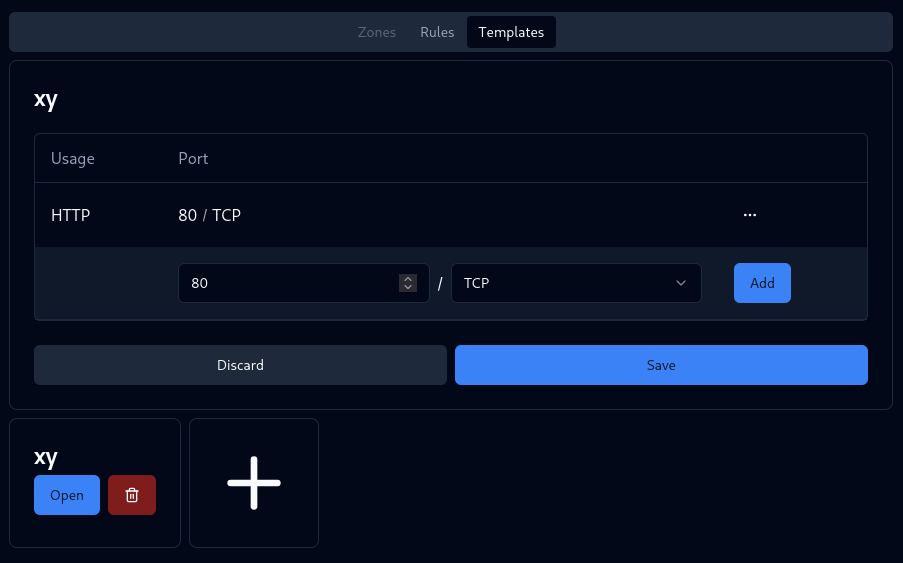
This tab shows all templates in /etc/config/firewall/templates and allows you to edit or create new templates. Clicking on open for a template will show a table with all rules of the template.