Managing Networks
This page will show all network interfaces defined in the netd configuration along with basic information about them.
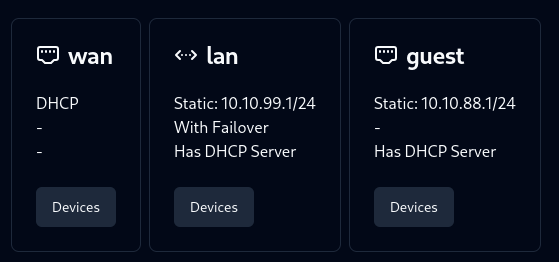
A button to scan for devices is provided. Editing the configuration is currently not supported, but will be in the future.
Devices
Pressing the “Devices” button on any interface will start a network scan for devices on that interface. The scan will take a few seconds to complete but will show devices as they are found.
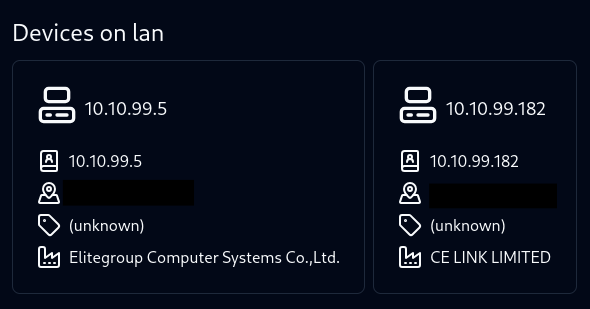
The following information is shown for each device:
- IPv4 Address
- MAC Address
- Custom Alias or Hostname
- Vendor
You may click on the IPv4 or MAC address to copy it to the clipboard.
Custom Aliases
Clicking on the alias/hostname will allow you to edit it. This is useful for giving devices a more human-readable name. The aliases are stored in /etc/config/aliases along with the MAC address of the device in a tab-separated format.